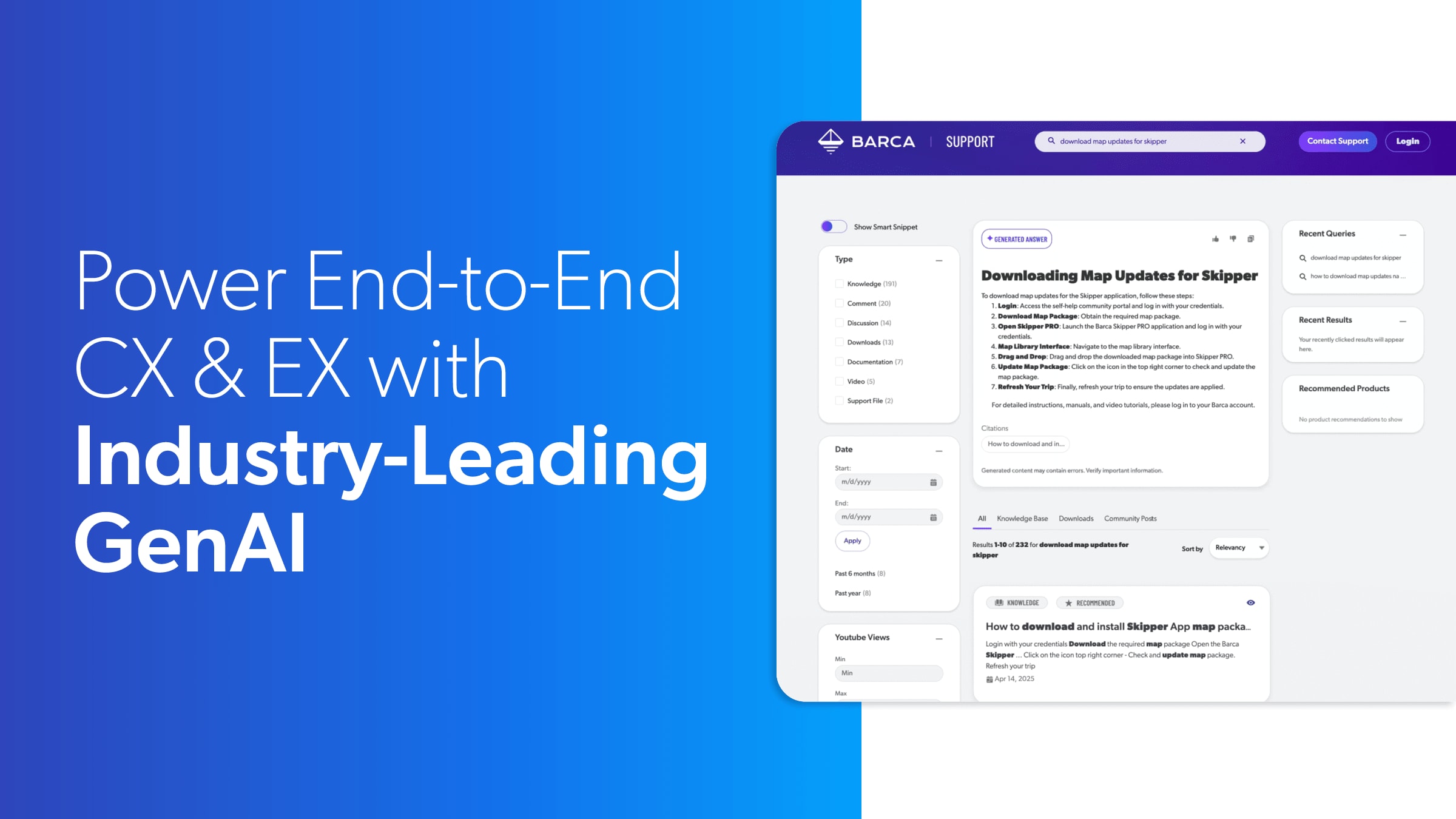
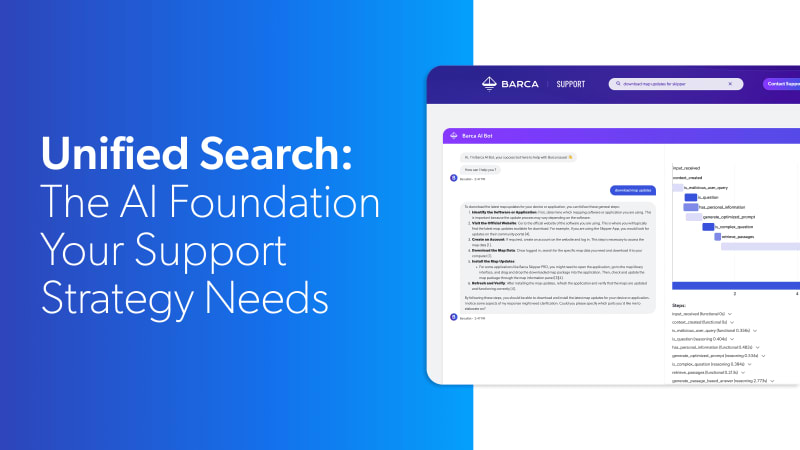
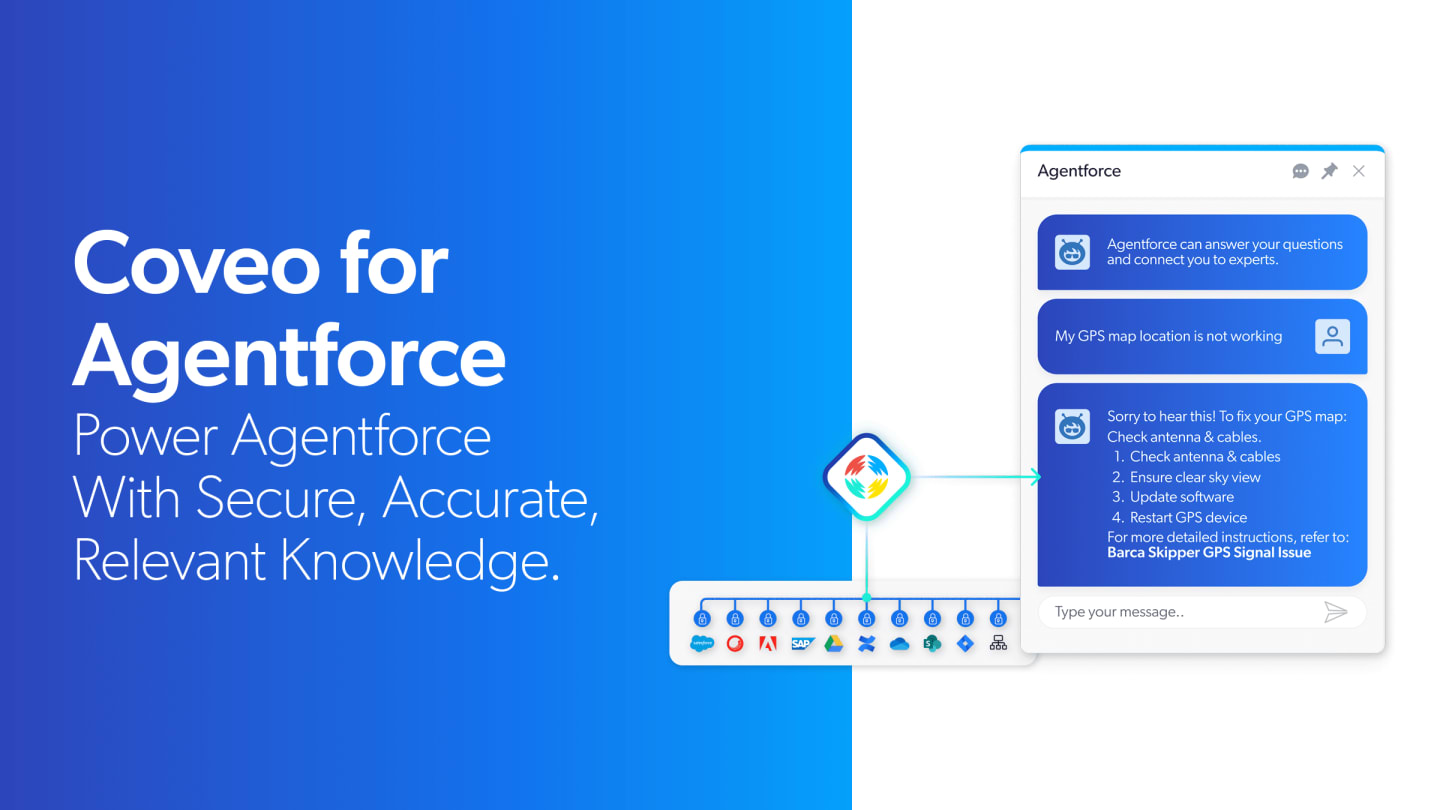
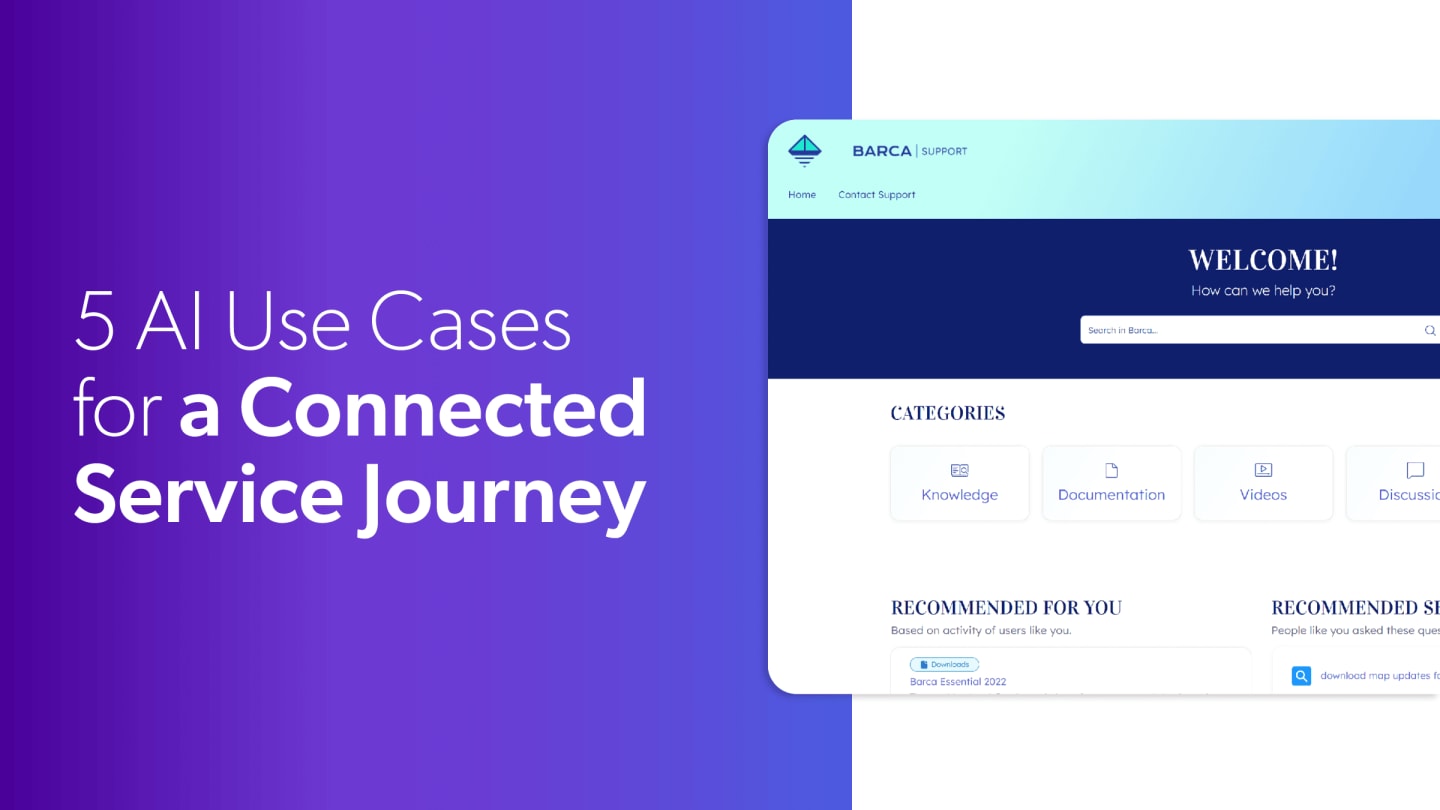
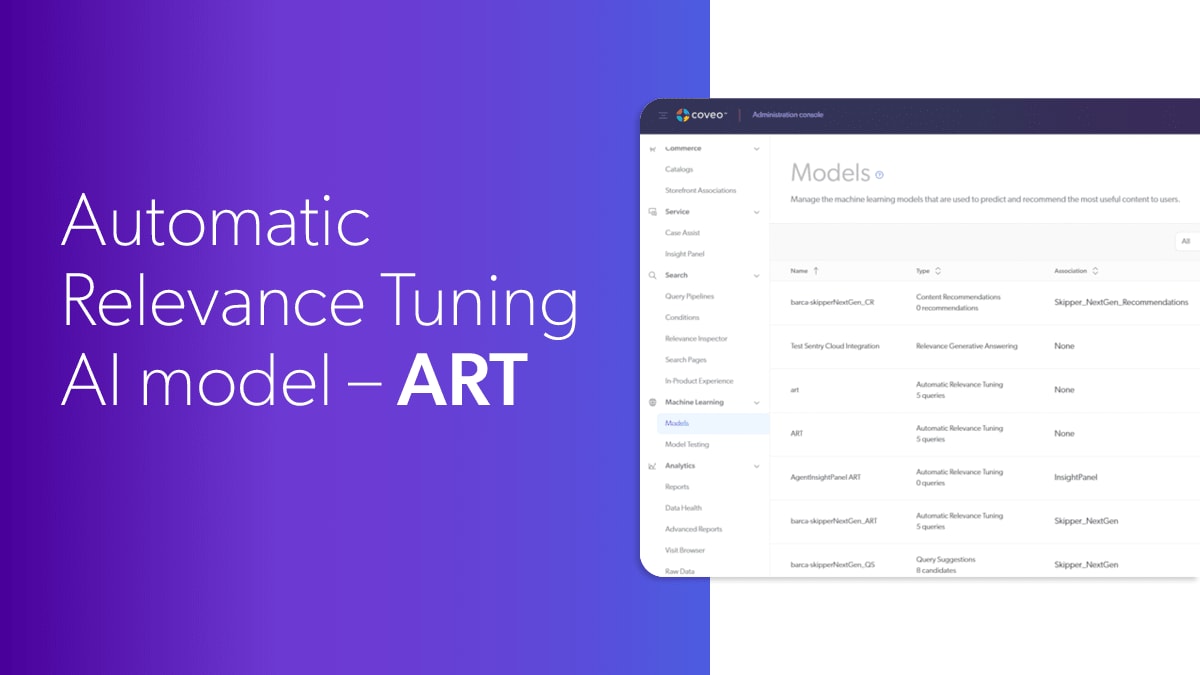
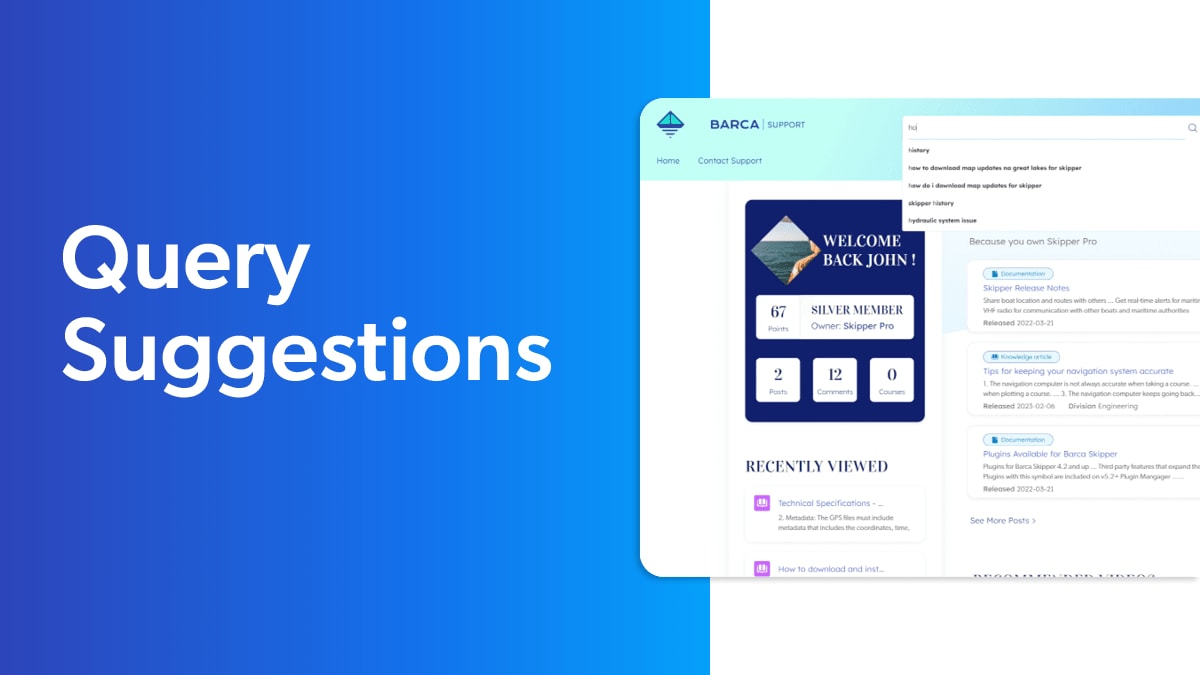
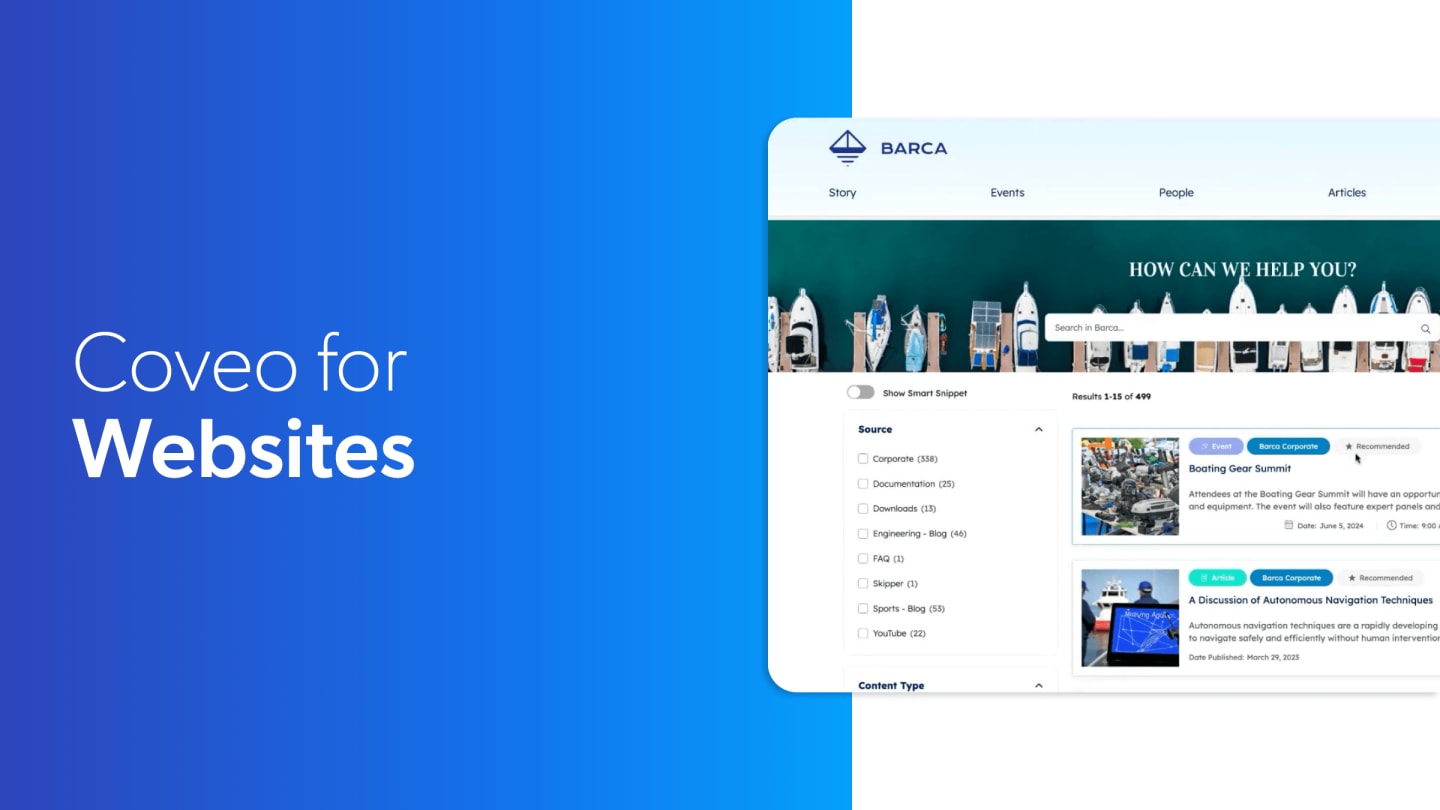
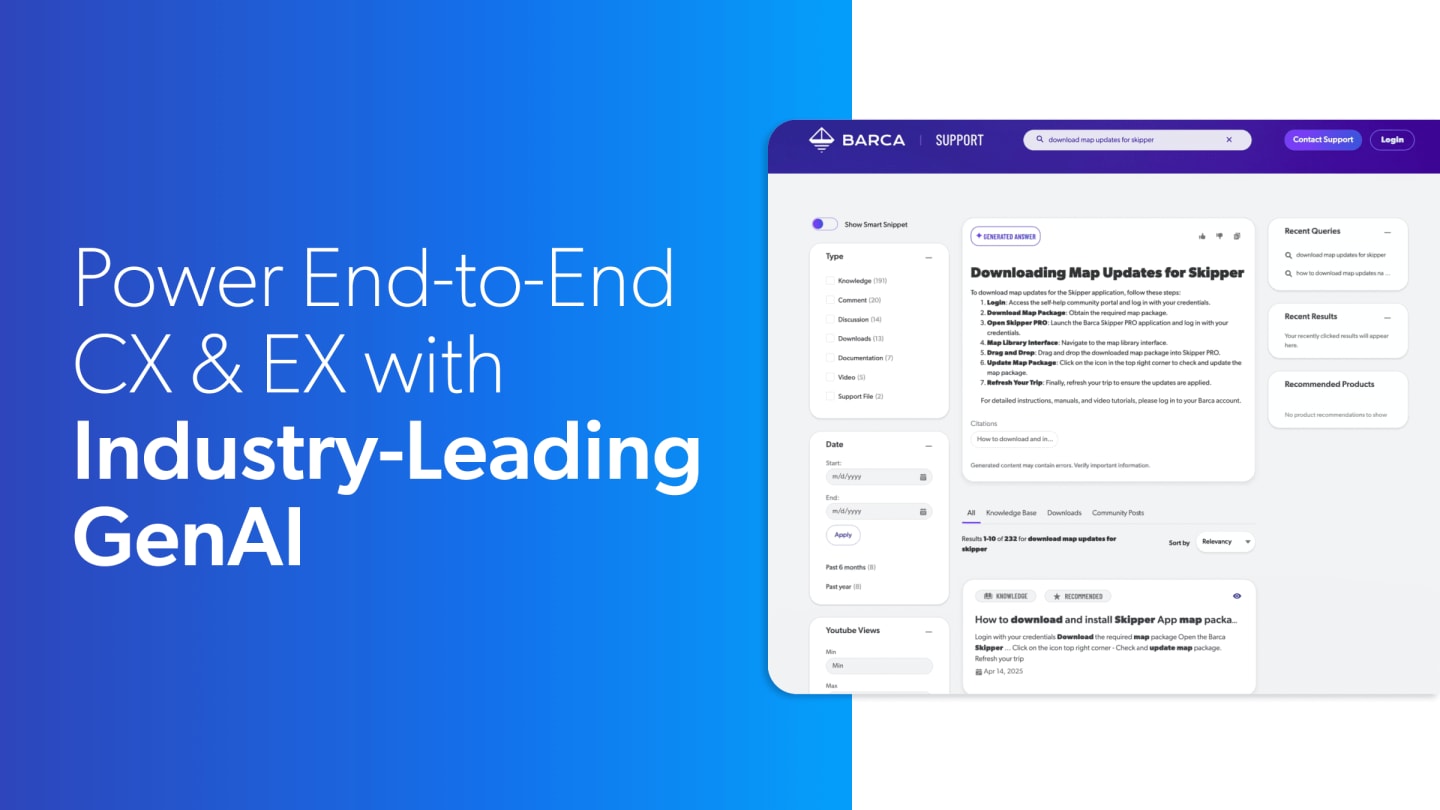
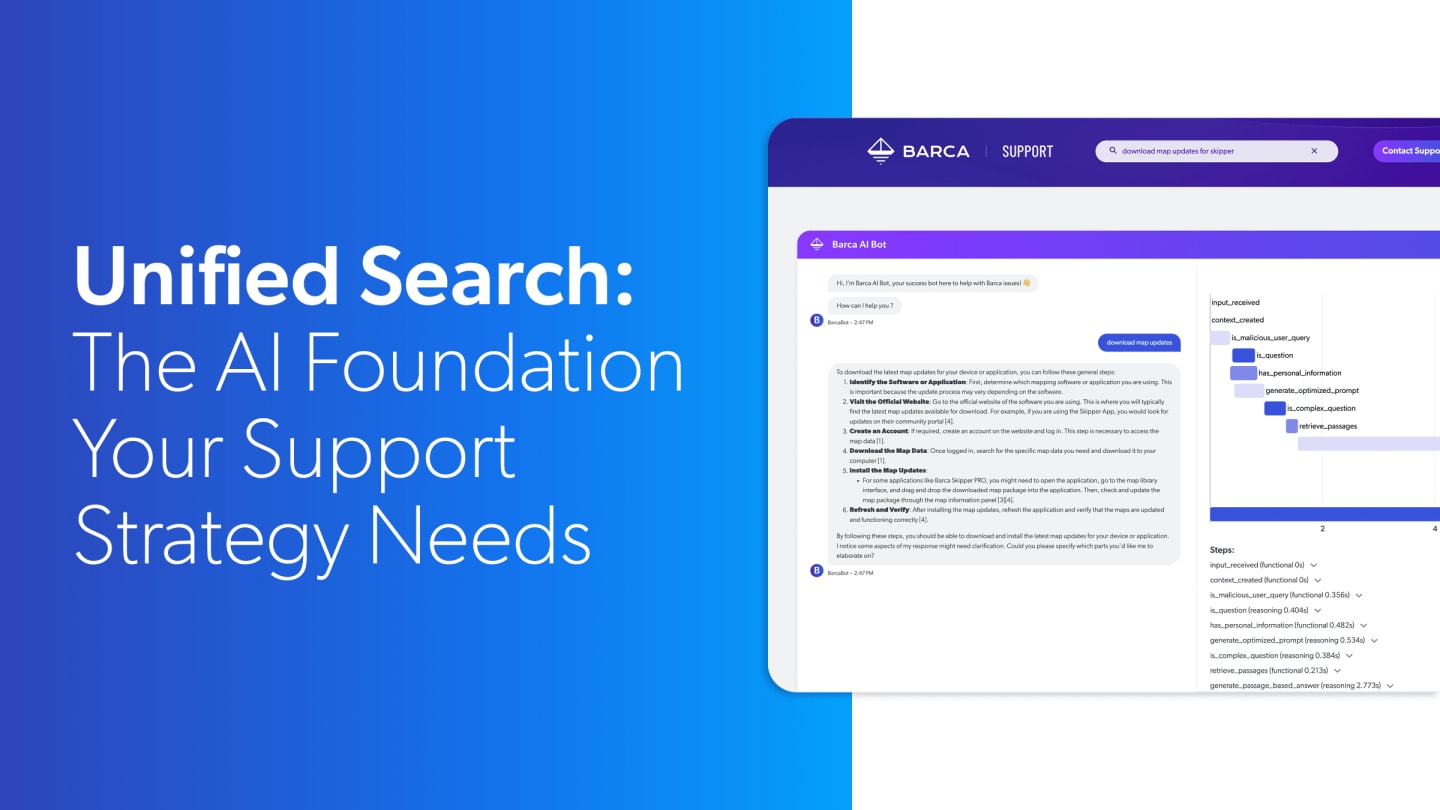
The example I wanna use here is a demo company, but this is Barca. They are a software and a hardware provider for the boating industry. And like most large enterprises, like Dell, as we just saw, Barca's got a variety of information systems that ranges from you know, they're using Salesforce for their knowledge articles. They're using Adobe for all their website and marketing content. They've got, software downloads sitting out in file servers. They've got their cases in the CRM. They've got customer collaboration communities, elearning, so on and so on. So this first scenario that I'm gonna take you through, we're going to step into the boat shoes of Barca's customer, and that's John Steele. Now before Coveo was introduced, this was the experience for John. What did Danny say? Service reps have, like, seventeen reps typically. Well, same thing for customers. We were, in the past, forcing those customers to find their way to these different silos. Each of them might have had their own search or navigation experience. Very painful for customers. It was a very anonymous experience. We didn't know anything about the customer without Coveo. So Barca was just providing these very generic siloed responses. So when Coveo was introduced, though, what we see now is that we're basically securing or sorry, securely unifying all of those different silos, and we're taking into account personalization so that this is very relevant to each individual that comes. So John, for example, has this whole profile. We're now using all those known attributes. We're using his behavior, all of that information to personalize. We're giving him one pane of glass or a specific pane of glass to find content from across multiple silos here. So let's, I'm actually gonna go into that journey a little deeper with John in just a second. But, of course, Coveo has all those silos. That is still in the same way, relevant for your customer service agents as well. We wanna provide that same efficiency with relevant case resolution here from across the enterprise. So when we look at Amy Walker in a bit along with John Steele as a customer, Amy is gonna have access to a lot of additional information, probably internal only information like Jira bugs, Slack, Confluence, etcetera. Coveo can bring all that together. Alright. So let's dig in here to the demo. So here's John. He's visiting Barca's new Coveo powered single pane of glass site where he can find these answers, solve his issues. You know, right up here at the top, you know, with this personalized unified search, we're gonna go deeper here, but John can jump right in and start asking questions. But you might have noticed on the page here, Coveo is also providing these AI recommendations, all these recommendations for you pieces that you're seeing here. So this is using John's session behavior. You might have noticed John has not yet logged in here, so we don't truly know who he is. We're using session behavior as browser information, and we're combining that with other user activity to begin personalizing. So we can go a lot further, though. Let's actually log in. As you saw on the Dell site, our customers really wanna encourage customers to, know, use their profile detail to have it personalized. And so when I log in as John here, what you're seeing is we're going much further, especially around those recommendations. Now we recognize, well, great. You know, John may be this sorta mild mannered finance manager during the week, but he's he's Superman on a sailboat. He is he's got this goal of sailing all five of the Great Lakes. He's already started doing that. So, Barca's GPS is keeping track of that. They're using that as profile to personalize search results and then even personalize these recommendations. So the recommendations now are not just wisdom of the entire crowd. They're now specific to what does John care about, trending discussions from other customers, maybe about sailing or about the Barca skipper thing. He's got videos that Coveo has indexed, and people that have common profile attributes like sailors are also finding interesting. So we've really Coveo working together with Barca has created this very sticky experience where John comes back here time and again as these Coveo recommendations are gonna cover highly relevant topics, and they're constantly changing based on what people are consuming at any time. Now, of course, that personalization is going to come in when John searches as well. So let's go ahead and perform a search. Let's look at Coveo's heritage, which is providing very relevant unified search results. So I'll do a query here. We're using one of our AI models for suggesting queries, especially in this brave new world of natural language queries. Sometimes it's just challenging to know what to ask or how to ask a question. So Coveo is gonna help with that with our query suggestions. But let's ask a question here. John wants to keep his maps up to date for his Barka Skipper GPS. He's gonna go out sailing again on the Great Lakes. He wants to be sure he knows the latest navigational charts, etcetera. So what are we looking at here? Well, first of all, again, like you saw on the Dell site, multiple sources of information are being surfaced here. So John no longer has to, you know, swivel chair to all of these different silos. He's seen a lot of good recent information where he can pick up where he left off recently here. He's got other, you know, filtering metadata that can be used. If John wants to narrow his search, for example, if he just cares about downloads, he could do that directly here, or he could use the tabs to to narrow his results. At the bottom of the page, you're seeing, as I said, our heritage, which is these unified search results. And for John, that means show me knowledge articles. Show me secure information that only I should see, that only John should see his cases. Another customer has no business looking at the cases that John has submitted and have been resolved. He's seen downloads. In fact, he's even seen downloads here where, again, we're using that profile to say, hey, John. You've recently been sailing the Great Lakes. Chances are you don't care about the maps for Europe. You care about the maps for that region. So the other Great Lake or sorry. The other maps are gonna be here, but those Great Lakes ones are automatically boosted through Coveo's automatic relevance tuning. Collaboration discussions, all of this content brought together securely and unified forum. And, of course, we've been talking about generated answering. This one's pretty straightforward. You see the citation where this was brought from part of the Coveo index and serviced here. Now I wanna reinforce one point here. We're greatly reducing or eliminating hallucinations because these generated answers are based on your indexed content, on Barca's indexed content. So here, John gets those description descriptive steps. He can walk through, solve his problem. Chances are he doesn't have to do any of that additional navigation that I just described to you. Alright. So, hopefully, everyone's tracking here. Danny also described several different touch points for Coveo relevance. And he mentioned in app. So if you're an in, if you're an independent software vendor and you've got your own software, we have customers of Coveo. They're actually embedding a Coveo help directly within their software systems. We're also seeing a lot of bot adoption here. So this is an example here, and and this one has a little bit of a debug view turned on. Let me go ahead, and I'll just do a similar query. Let's say, I prefer to use a bot experience for either interacting, you know, with the machine, with the AI, or even maybe reaching out to a human being. So let's ask about how do I download map updates. And, again, you're seeing a little bit of a debug view here. You're seeing some things that are happening behind the scenes that we're presenting. You probably wouldn't do that in production. But let me see as this answer comes up. First of all, I get, once again, sourced from that index of all those different silos. We're bringing all that together. Passages are retrieved from that, and we're using LLM technology now to just directly answer that question. Now we can go deeper on other sessions here. I said we've got a full debug view. Danny made brief mention of this as well, but we're working on constant innovation where additional orchestration can happen with a query. Maybe we're helping customer rewrite a query. Maybe we're doing some things that are making it more conversational where multiple queries are taking place and we're stitching together multiple passages. So, again, an area that we can go much deeper on with you as well. Now you've seen traditional search. You've seen recommendations. You've seen generated answer. But there's gonna be times where customers like John just go, just get out of the way and let me log a case. I want support to help me out. Maybe I want a human to get involved. And Coveo certainly can help here as well. So I'm gonna show you capabilities we call case assist. Coveo's customers came to us and they said, you know, our end users are saying, as I said, just get out of the way. Sometimes I wanna log a case. Make it easy. Don't be so concerned about deflection. Well, hold on for a second. We want to help deflect. We want, but we also do want to assist in those instances where customers are submitting cases. And if you look at this sort of typical case entry form, we're kind of asking our customers to do some pretty heavy lifting in the past. Right? We've said, you know, tell us about your issue. Categorize it. And no offense to our customers, but they don't always understand our categorization. They might just choose to pick the first option. They're a little confused about that. So part of our case entry is really going to be classifying that case to help that customer self resolve as well as to assign that case to the right agent if it is ultimately submitted. So let's do a a query here. My GPS trip option is not working. And I'm kinda tip I'm kind of entering this slowly so you kind of noticed what was going on the right side. And I'll use this little cheat to fill in the rest of the details so you don't have to watch me type. But all of this information around this classification took place because Coveo indexed all of Barca's cases. We saw how those cases were ultimately categorized by agents when they resolved. Then we take text from this, and we use technology to say other cases that have had similar attributes, similar keywords, similar semantic meaning, This is how they've aligned and ultimately been categorized. And the customer can certainly override that if they were to disagree, but customers like Salesforce themselves is using Coveo and using this exact capability to classify their cases for their agents as well. Now on the next page, and, of course, I could have presented this on the same page if I wanted, I'm going to give that extra opportunity to deflect, to allow that customer to self serve. So here we see a generated answer. Again, just chances are these three items being brought together have answered my question. I can walk away satisfied. But I do get underlying search results if I care about from multiple sources of content. And as we said, our goal here ideally, is that I'll abandon that request. I'll go away happy. If I do send that request, then we'll send that off to Amy Walker and the team in the agent side of things. I'm gonna go there next and show you that experience. So, hopefully, that all brought together some thoughts for you. As I said, we can certainly go a lot deeper in custom demos, for you to understand our self-service options. So now we switch gears. Now we are using one of our CRM integrations. This one happens to be Salesforce, by the way, that last portal experience that was Salesforce Experience Cloud. Coveo has multiple integrations. If you're using ServiceNow, if you're using other CRMs, we can integrate with that as well. So here's Amy. Now she's handling dozens of customer issues every day, so she needs very efficient tools to be able to handle this. Again, going back to, what Danny was talking about, when reps have to find information across the enterprise, super painful, super slow for them to find that. So what does Coveo do? We're gonna talk about this insight panel in bringing all of that information together, consolidated that. So how does this panel get populated? Well, we're using context that's important here automatically. When John created this case, he told us his subject, his description. He told us the categorization as we just saw. We also know information about John, about his profile. All of that is context, then that's automatically fed over here to provide unified relevant results, this is a case around error code twenty two. Right up top here, I've got very meaningful information around resolving that similar cases. You can see some of those other repositories that Amy or another agent might wanna walk into. Maybe a customer has posted a community workaround. Now automatic relevance tuning is gonna boost the most relevant items though and what makes the most sense right to the top. You might have noticed, and Danny made mention of KCS, knowledge centered service. So Coveo, very embedded in that process. Here, any item, it doesn't have to just be Salesforce knowledge. I could attach a community post. I could attach Slack conversations. I can go ahead and attach content to a case. What it's also going to just give that historical context for other people that view similar cases to see how were those cases solved. And, of course, you've already noticed the generated answer right there at the top, just right for sharing. It's going to solve that customer's problem immediately here. Now I kinda went through solving a case because it just happened quickly, but agents would typically start here, and that's in Coveo user actions. We've monitored everything that, in this case, John Steele did on the self-service site before he submitted this case, and we're surfacing that to the agent as well. It paints a bigger picture. Maybe by the time John logged his case, he's not very descriptive. He was tired. I can see other queries he's performed, other documents he's accessed. In fact, even those documents that he's already accessed, it'll show before I share those. You know? Hey. John's already viewed this, so I may not wanna share those items with him. Alright. We talked about KCS a little bit. We do have an upcoming session on AgentForce integration specifically. So another KCS capability that's part of our AgentForce package would be not only solving cases, but also create content on the fly. So I've gone ahead and I've tipped I've chosen a prompt, one of the AgentForce actions here. And what we're asking Coveo to do now or AgentForce and Coveo to do is dip into that index of content. Look at this case. Look at other cases. Look at supporting content. Maybe we had a, swarm in Slack where we worked on solving that. Maybe we use some Jira content, etcetera. And then, hopefully, in a second here, we're going to see that that information is all passed to the Atlas reasoning engine in Agent Force. And there you go. A a brand new knowledge article, a draft knowledge article has been created, bringing together all of that content. So very, helpful with KCS.