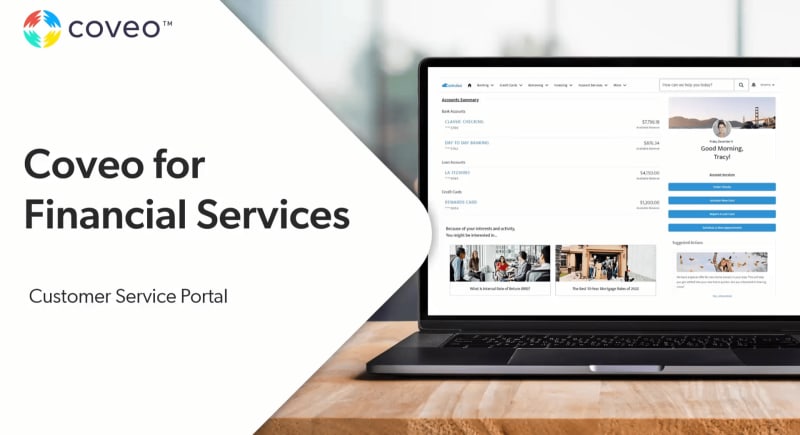
Coveo for Financial Services
Experience enterprise-secure AI: Personalized, Proactive & Powerful
FSIs that use Coveo AI report:
- 76% self-service success…
- -56% average time-to-resolution…
- +37% increase in customer satisfaction…
- +231K productivity hours saved



















Retail Banking
Investment Management
Wealth Management
Retail Banking
Enable personalized interactions & streamlined operations
- Boost satisfaction: Deliver personalized financial advice & support
- Increase efficiency: Empower customers with self-service options
- Drive revenue: Identify cross-sell & up-sell opportunities

Investment Management
Improve client satisfaction and engagement:
- Higher digital engagement: Ensure your clients get information personalized to their investment goals and holdings
- Supported advisors: Give advisors powerful AI-tools so they can spend time helping clients, not looking for information
- Reduce risk: Use AI analytics for better risk management & compliance
Wealth Management
Give personalized advice to high-touch clients
- Custom strategies: Provide tailored investment recommendations
- Boost efficiency: Equip advisors with AI tools for enhanced productivity
- Improve retention: Offer proactive, personalized advice for long-term satisfaction


Customers expect a personalized, connected journey
Customers want to self-serve. If they can’t, they have no choice but to turn to costly assisted channels. Empower them to resolve their own issues at scale – without relying on your reps.

Financial advisors deserve better
Your advisors want to feel confident about the work they do. But siloed systems are burning them out. Reignite their passion and retain their talent long-term.

CX and EX are more than a “necessary expenses”
Customer & employee experiences shouldn’t be costs. Done right, they become a driver of trust, loyalty, and growth. Shift the narrative and establish yours as profit centers.
Deliver relevant experiences for site visitors – even before authentication. Drive time on site, financial well-being engagement, and conversions through Coveo AI’s self-optimizing search & recommendation engine. Reduce friction with query suggestions, typo tolerance, and relevance-based result rankings.

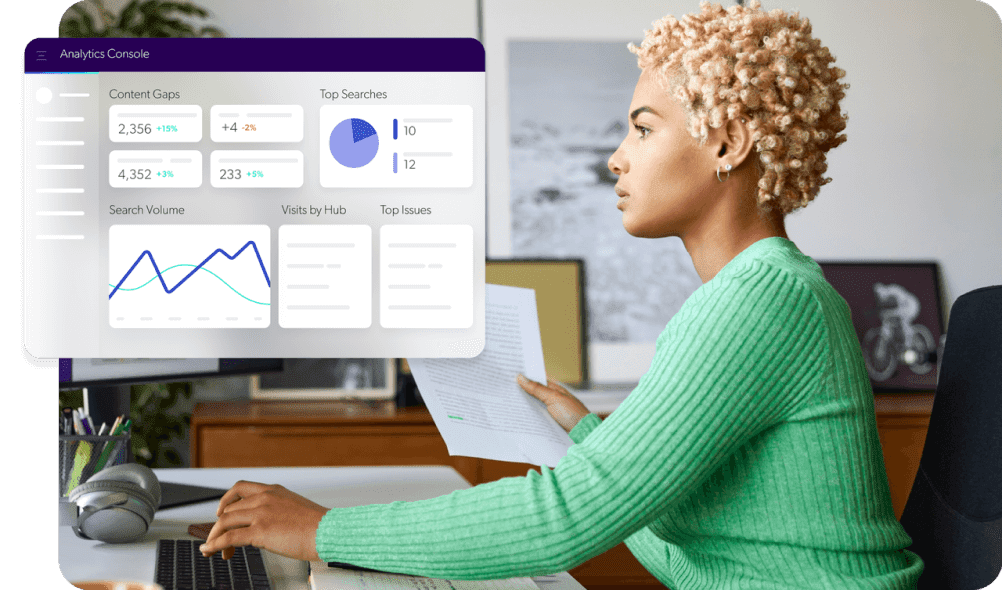
Help your employees and financial advisors self-serve at scale with intelligent search, recommendations, and journey orchestration. Machine learning optimizes the value you get from Coveo as it collects data from employee interactions. Analytics provide insights into knowledge gaps and opportunities to increase engagement.
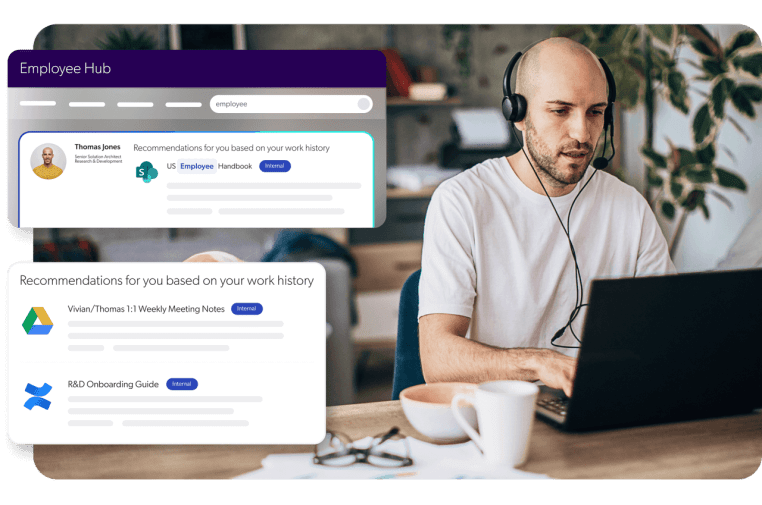
Boost rep efficiency and engagement by providing relevant information right in their workflow. Centralize institutional knowledge to eliminate silos and increase first-contact resolution. Provide 360-degree insights based on customer history for record-breaking time-to-resolution.
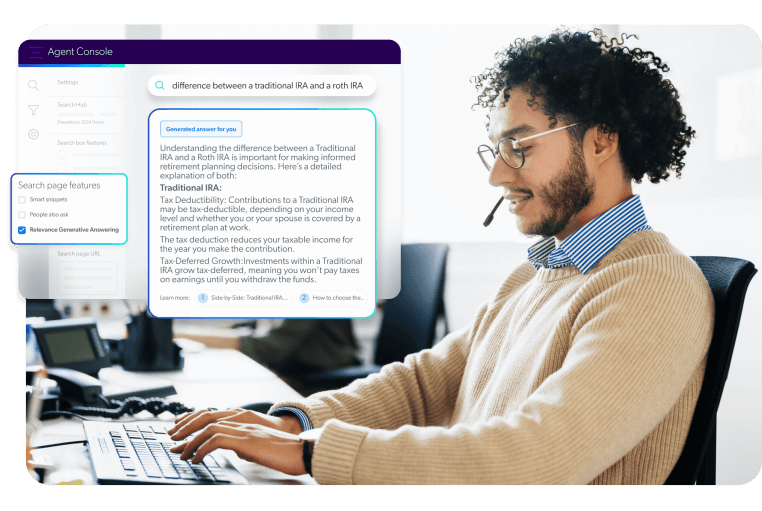
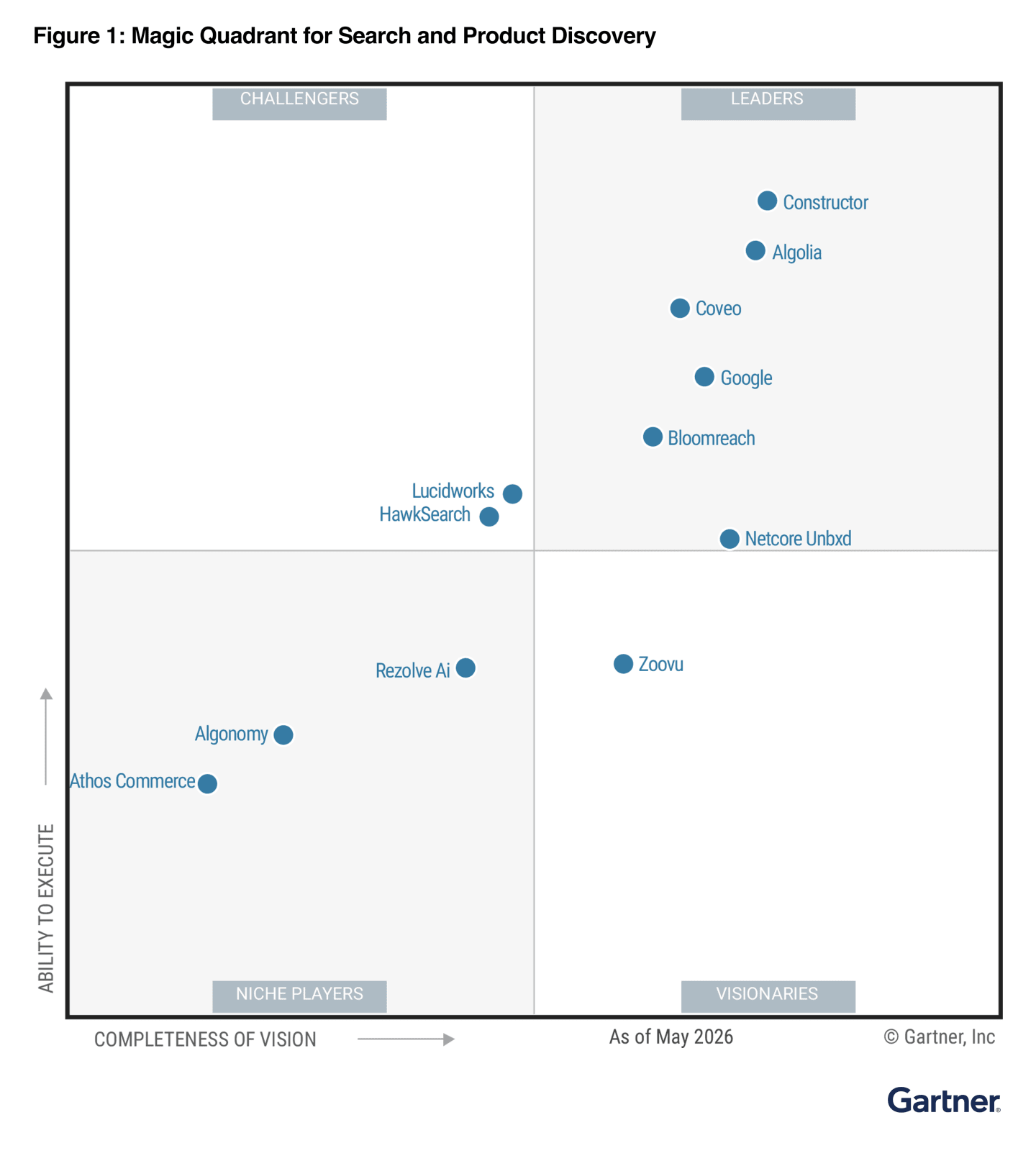
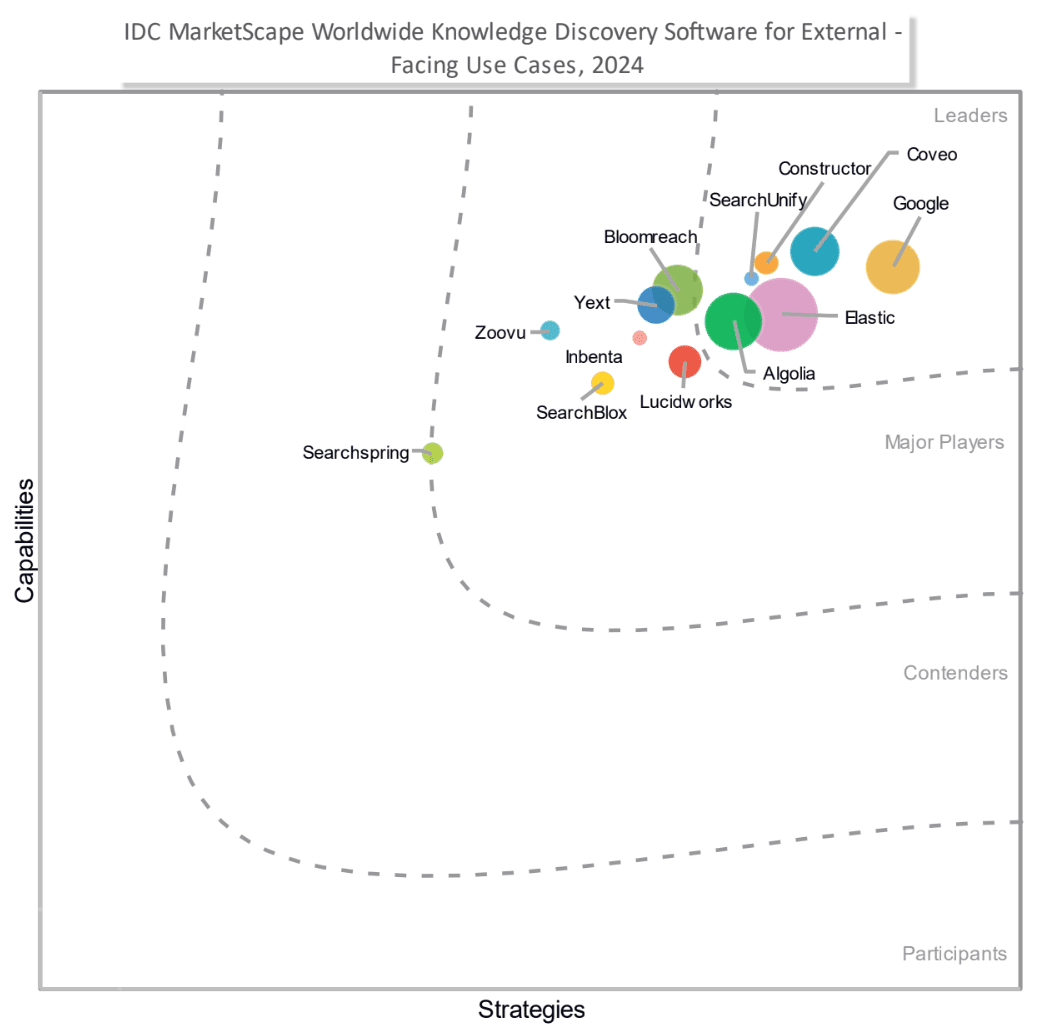
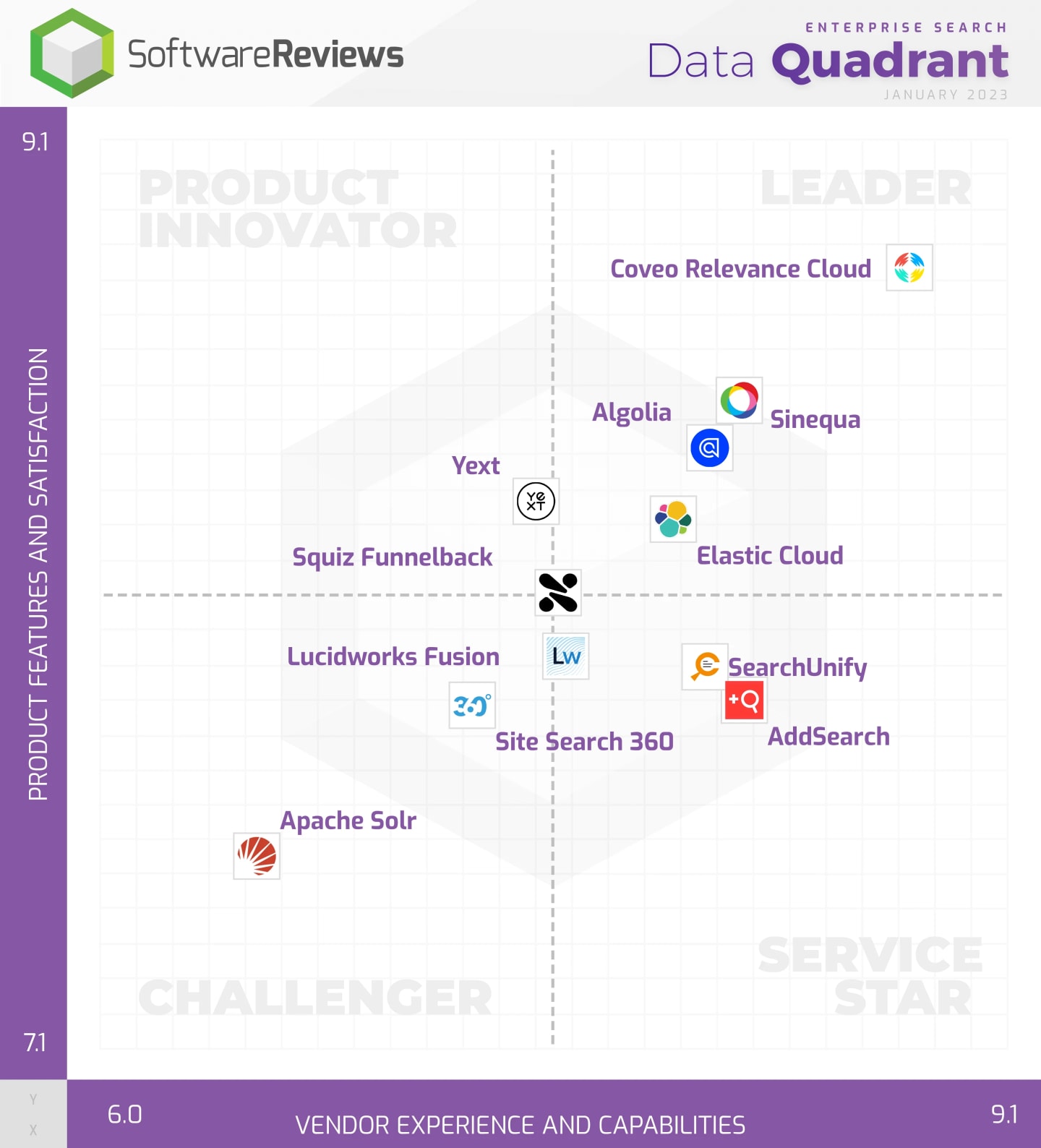
The world’s first relevance AI platform offering enterprise-ready generative answering that’s secure and accurate enough for financial services, because they’re already using it! Stay on the forefront of innovation without sacrificing safety. Built to prioritize data security, factual accuracy, and relevance.
Billion-dollar enterprises rely on Coveo AI‑Search



Integrations
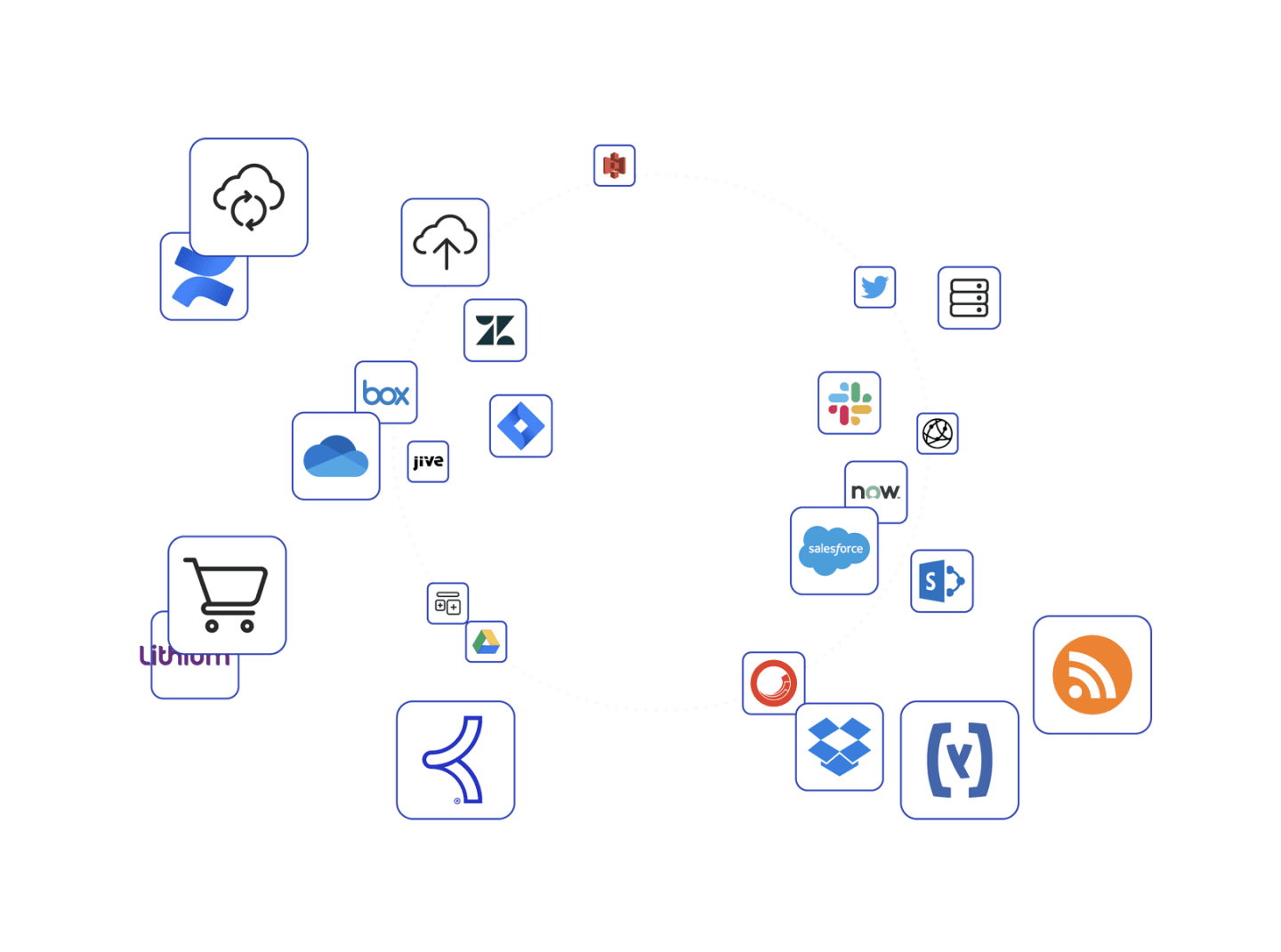
Coveo AI’s 30+ native & universal connectors & integrations to 100s of systems. And provides guidelines for your devs to build custom connectors if you’re using in-house systems.
Security & Compliance
Any data shared with Coveo is encrypted in transit using TLS 1.2 and at rest with minimum cipher parameters of AES-256. It’s also protected by ISO 27018 standards. Coveo regularly undergoes AICPA SOC 2 Type II audits to ensure our data centers and internal protocols keep your confidential information safe.
Reliability & Uptime
Coveo’s search infrastructure runs on multiple AWS servers across the world – so you never have to worry about downtime or losing access to your data.