
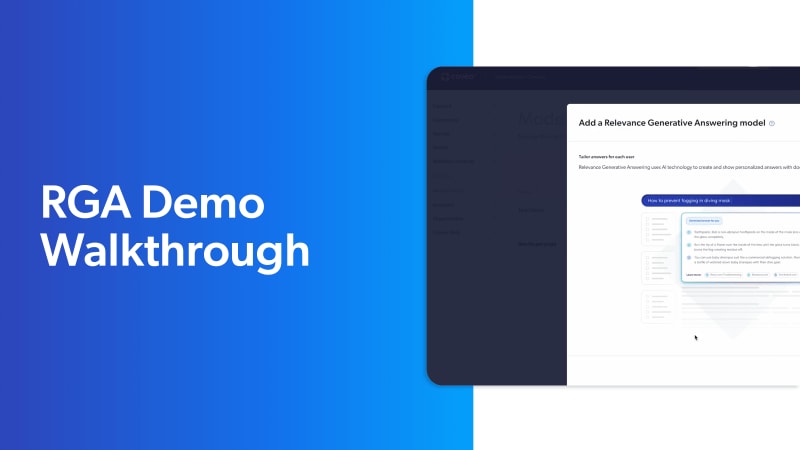
4 Simple Steps to Search Setup with Coveo’s Relevance Generative Answering
Learn from a Coveo expert who walks you through every step of enabling and configuring Coveo’s Relevance Generative Answering on your website.
Watch it now to discover how to:
- Create a RGA model
- Link your RGA model to your query pipeline
- Enable Coveo RGA on your website
- See your new RGA model in action
Why You Need Coveo Relevance Generative Answering
Coveo Relevance Generative Answering brings quick, relevant, and secure answers to search, support, and in-product experience. Using machine learning paired with a semantic encoder model, it understands and answers complex natural language queries, and generates relevant answers grounded in trustworthy content.
Proven ROI with Personalized, Fast, and Accurate Answers
- Self-service: Increase customer resolutions, drive search success, and boost case deflection.
- Commerce: Increase revenue, conversion rates, shopper satisfaction, and cart sizes without sacrificing profitability.
- Websites: Deliver a total experience strategy that enhances the customer journey end-to-end.
In this series

8 MIN
Coveo for SAP B2B
7 MIN
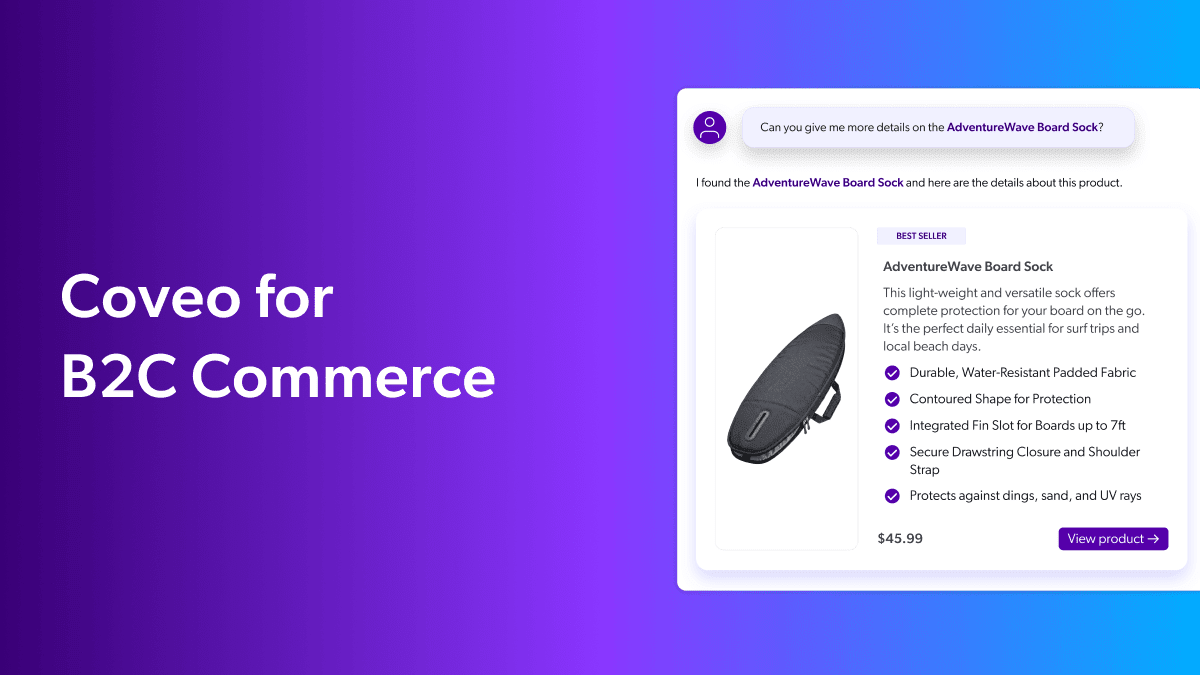
Coveo for B2C Commerce
7 MIN
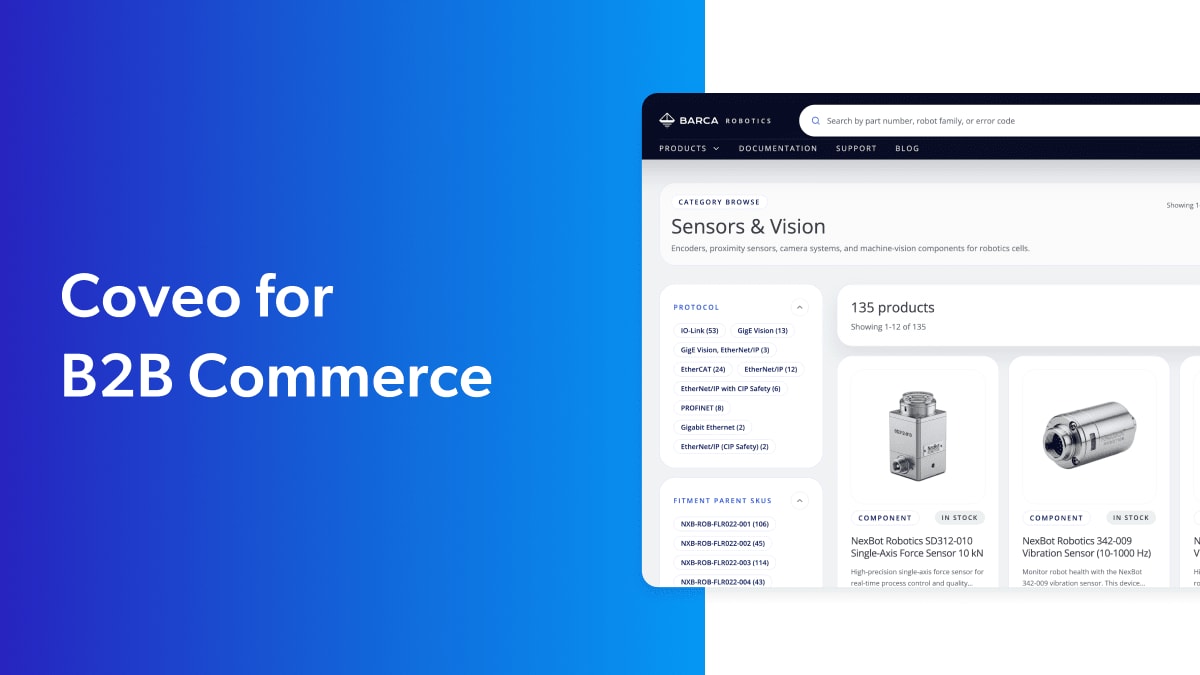
Coveo for B2B Commerce
6 MIN
AI Models Explained
9 MIN
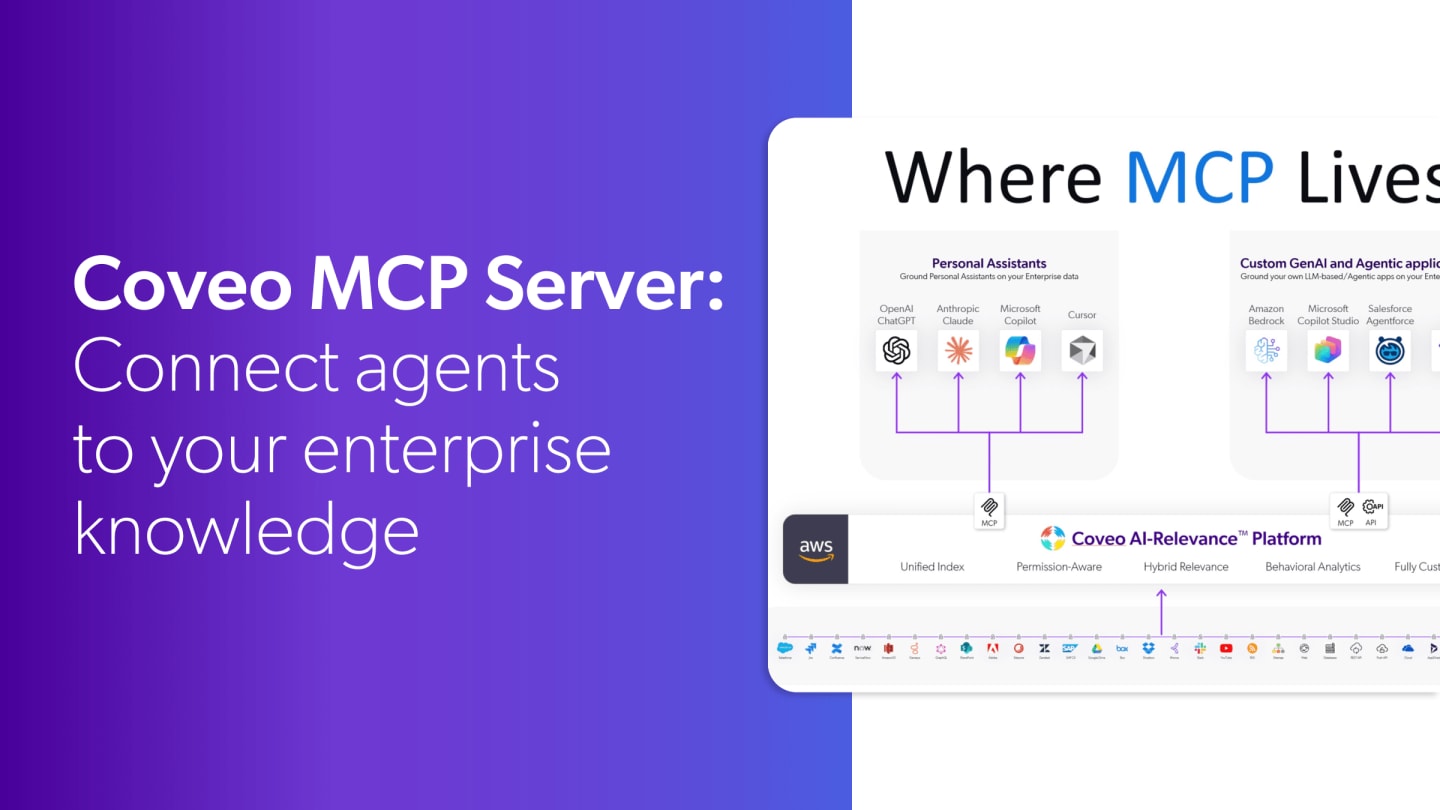
Coveo MCP Server: Connect agents to your enterprise knowledge

5 MIN
Coveo Passage Retrieval API: Advanced Information Retrieval Demo

5 MIN
Coveo for Agentforce

3 MIN
Coveo for Salesforce B2B Commerce Cloud

2 MIN
Under the Hood with United Airlines

5 MIN
1:1 Personalization in Anonymous Sessions

7 MIN
Five Ways Search + AI = Better Customer Self-Service and Agent Experience with Coveo

3 MIN
Refine Search Result Relevance with Coveo’s Automatic Relevance Tuning Model

3 MIN
Improve Search Relevance with Coveo’s AI Query Suggestions

11 MIN
AI-powered Search Drives Engagement and Conversion with Coveo for Websites

5 MIN
Coveo for B2B Commerce

2 MIN
Help Customers Find the Right Products Fast with Coveo Commerce Search
13 MIN
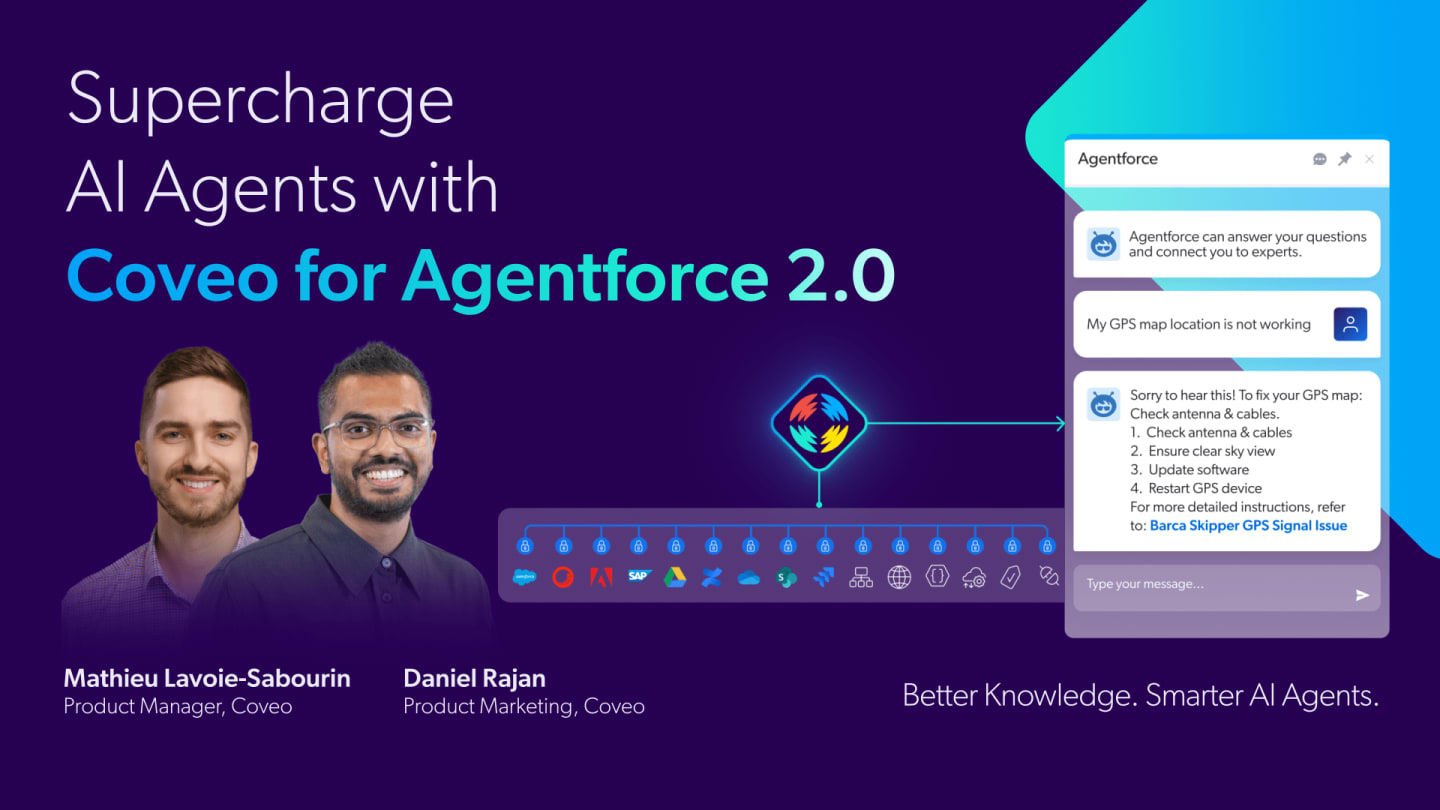
Surcharge AI Agents with Coveo for Agentforce 2.0
11 MIN
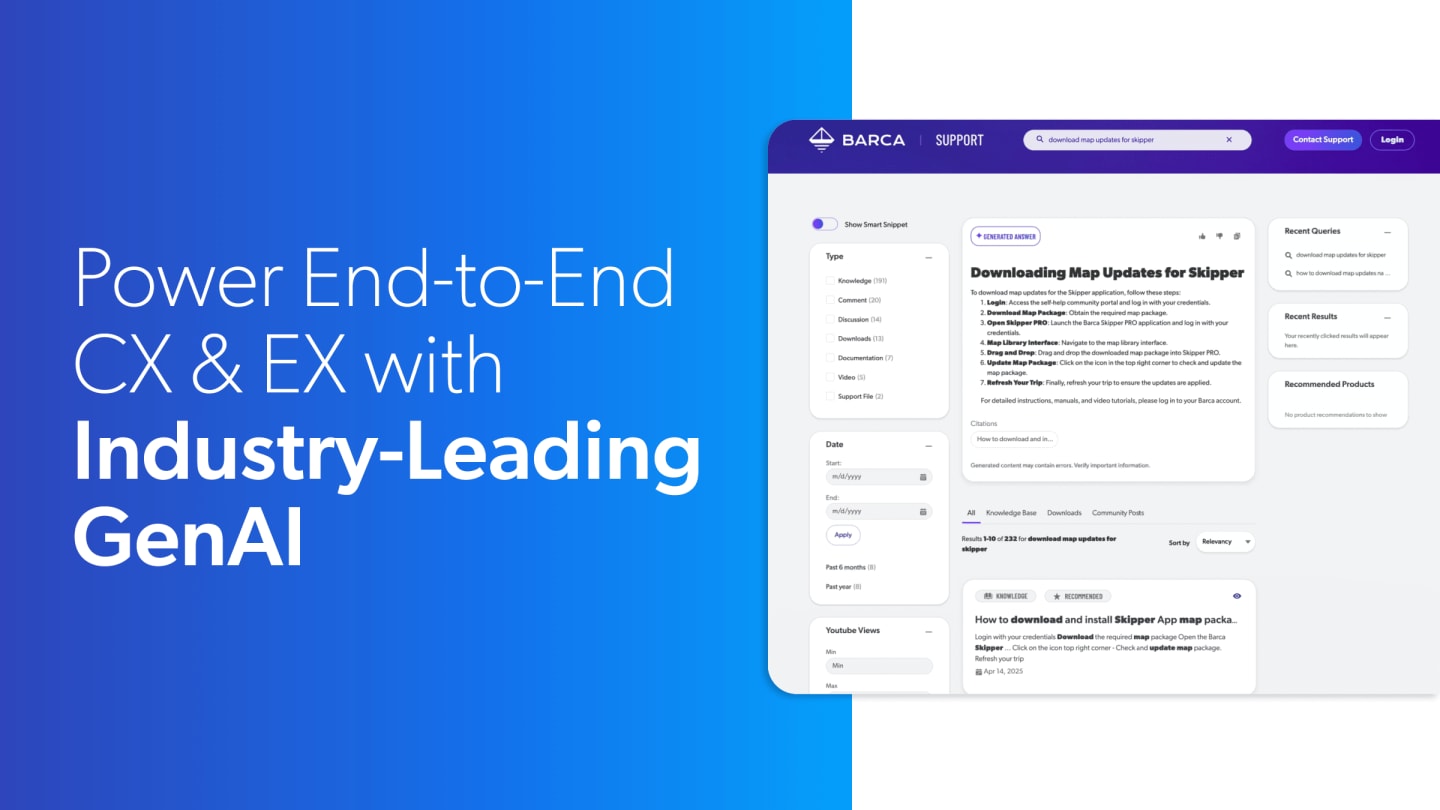
Power End-to-End CX & EX with Coveo Relevance Generative AI
16 MIN
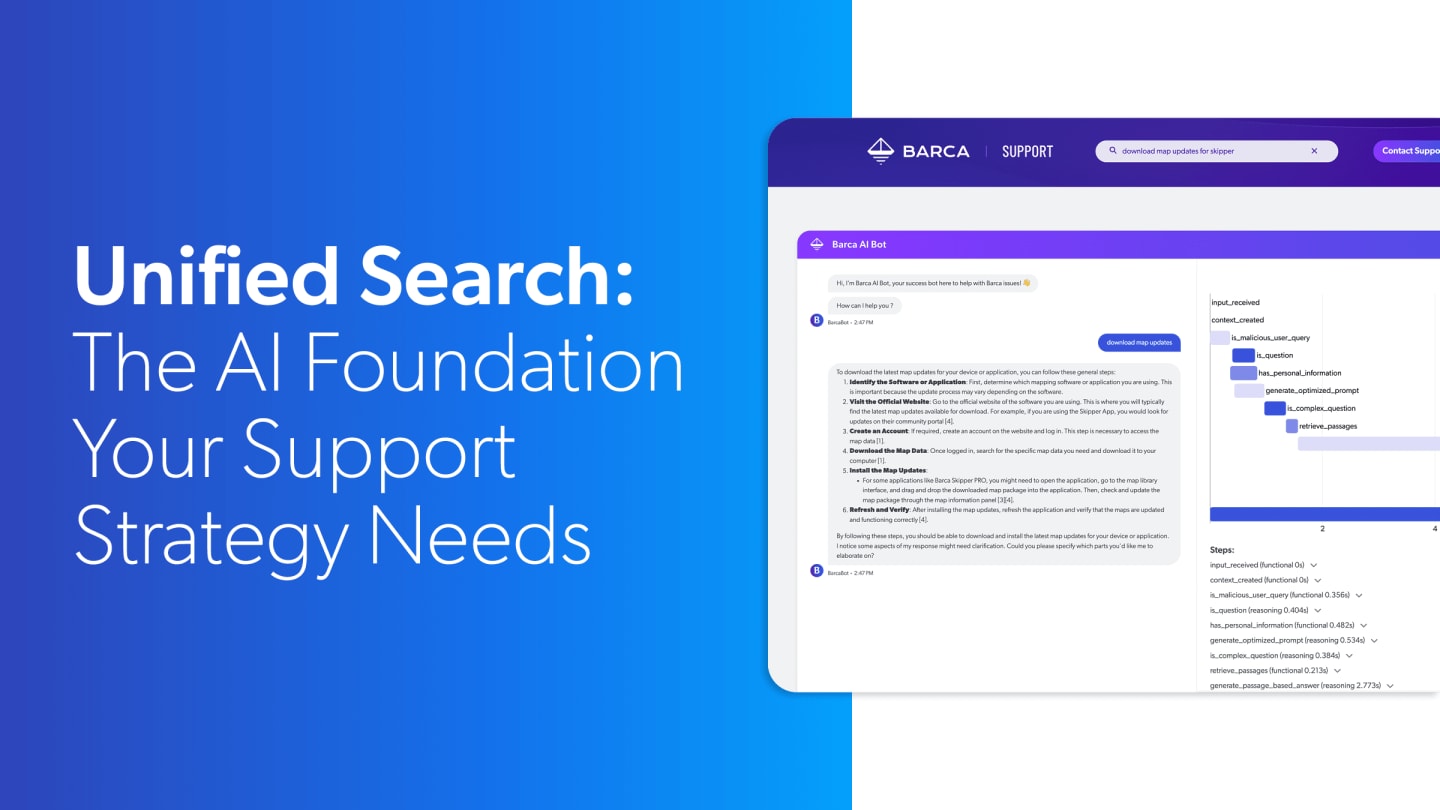
Unified Search: The AI Foundation Your Support Strategy Needs
